Read it later
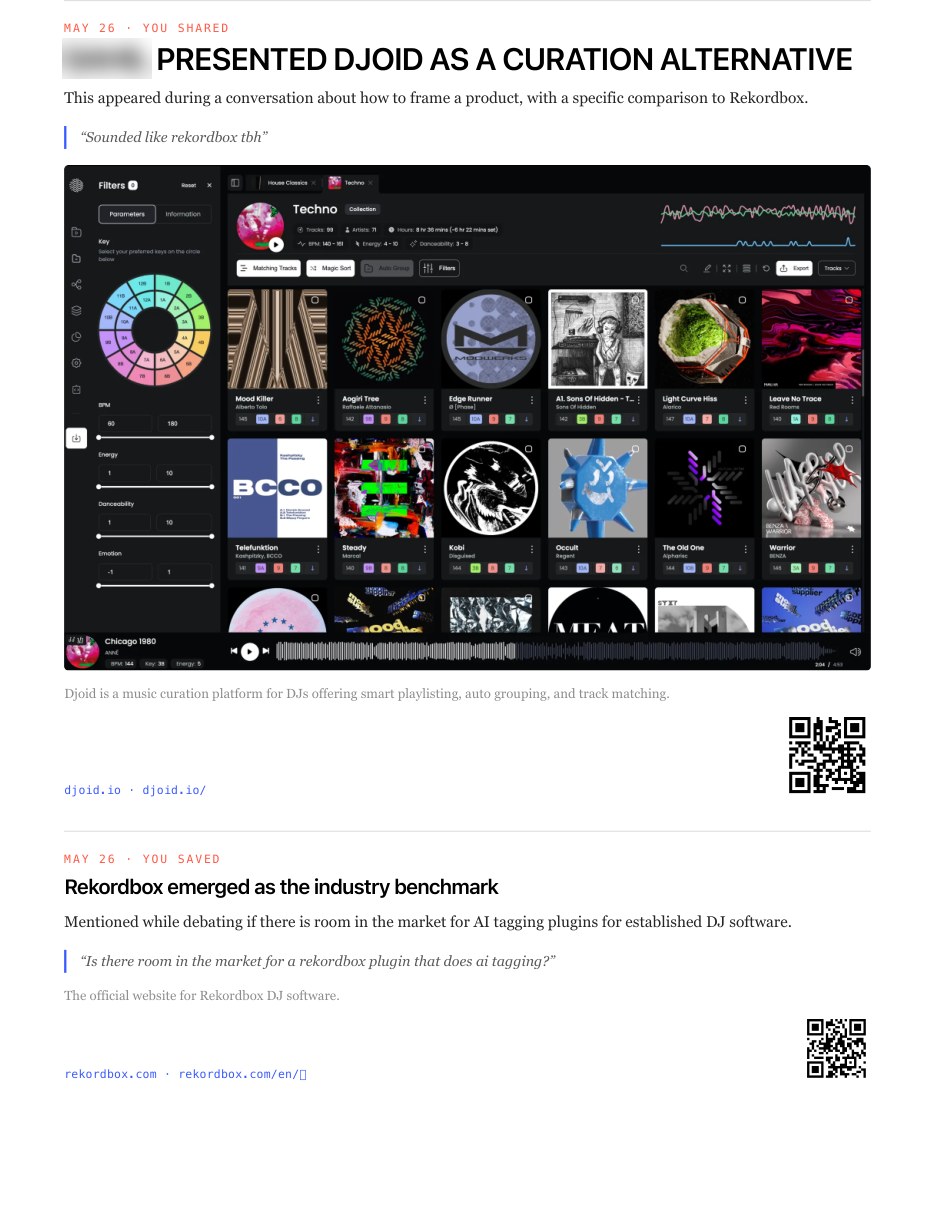
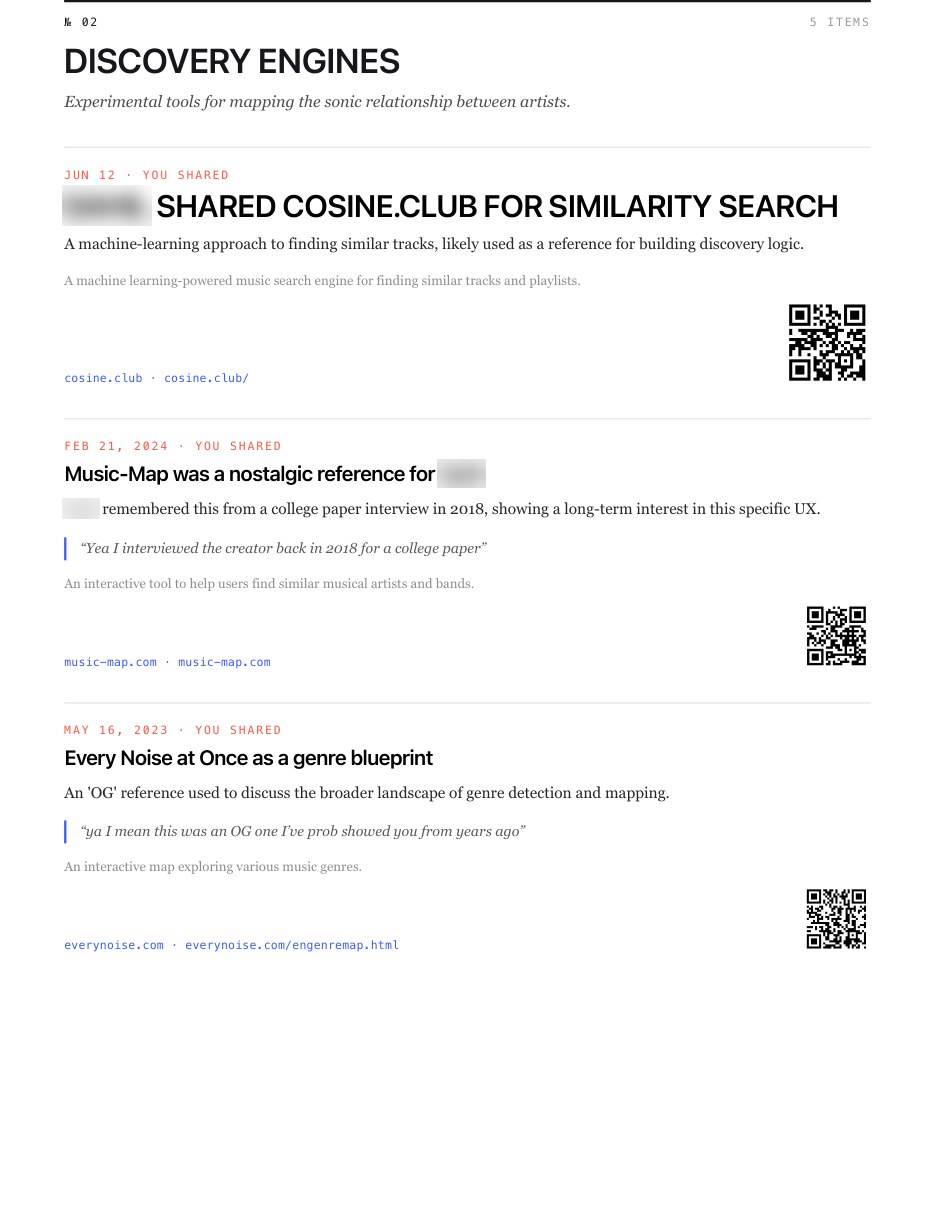
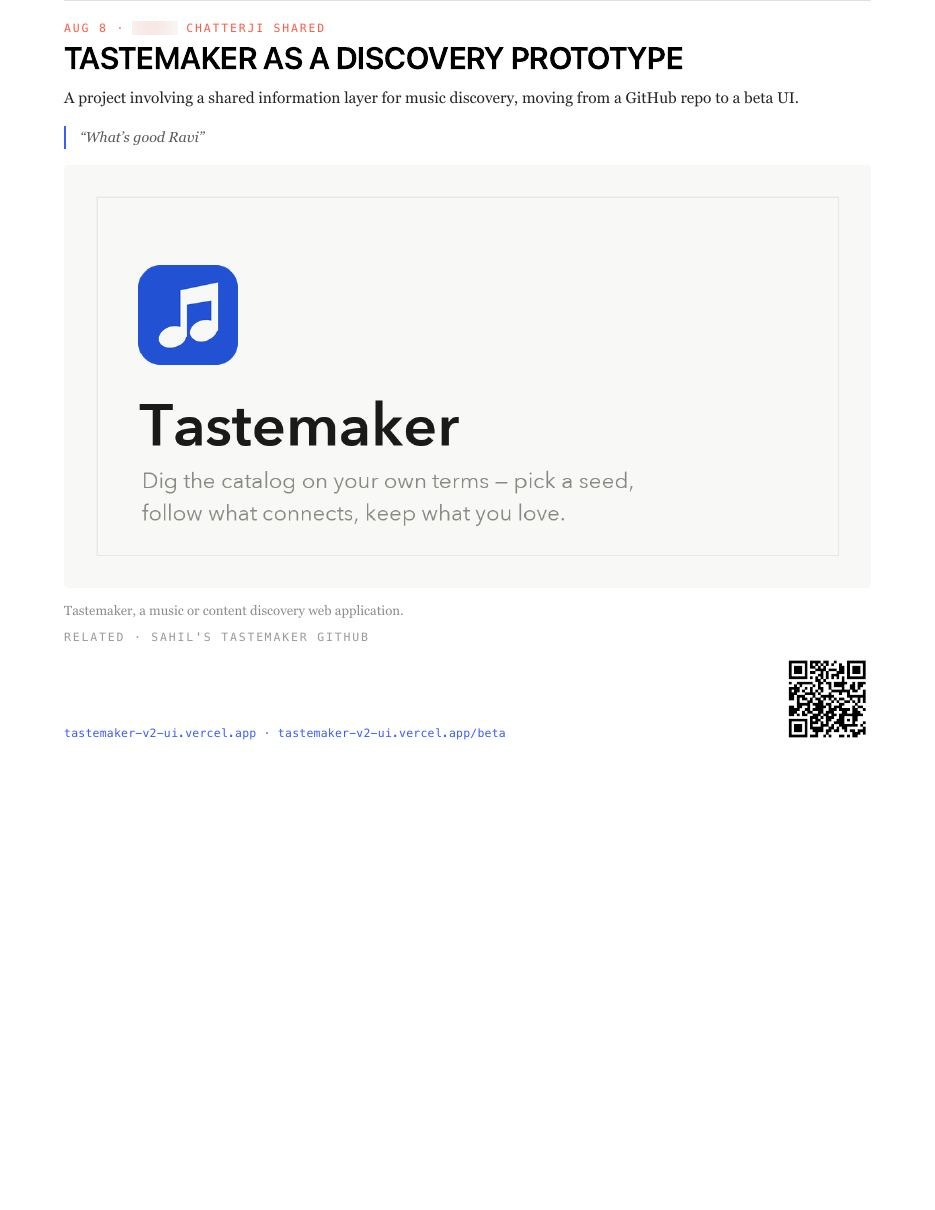
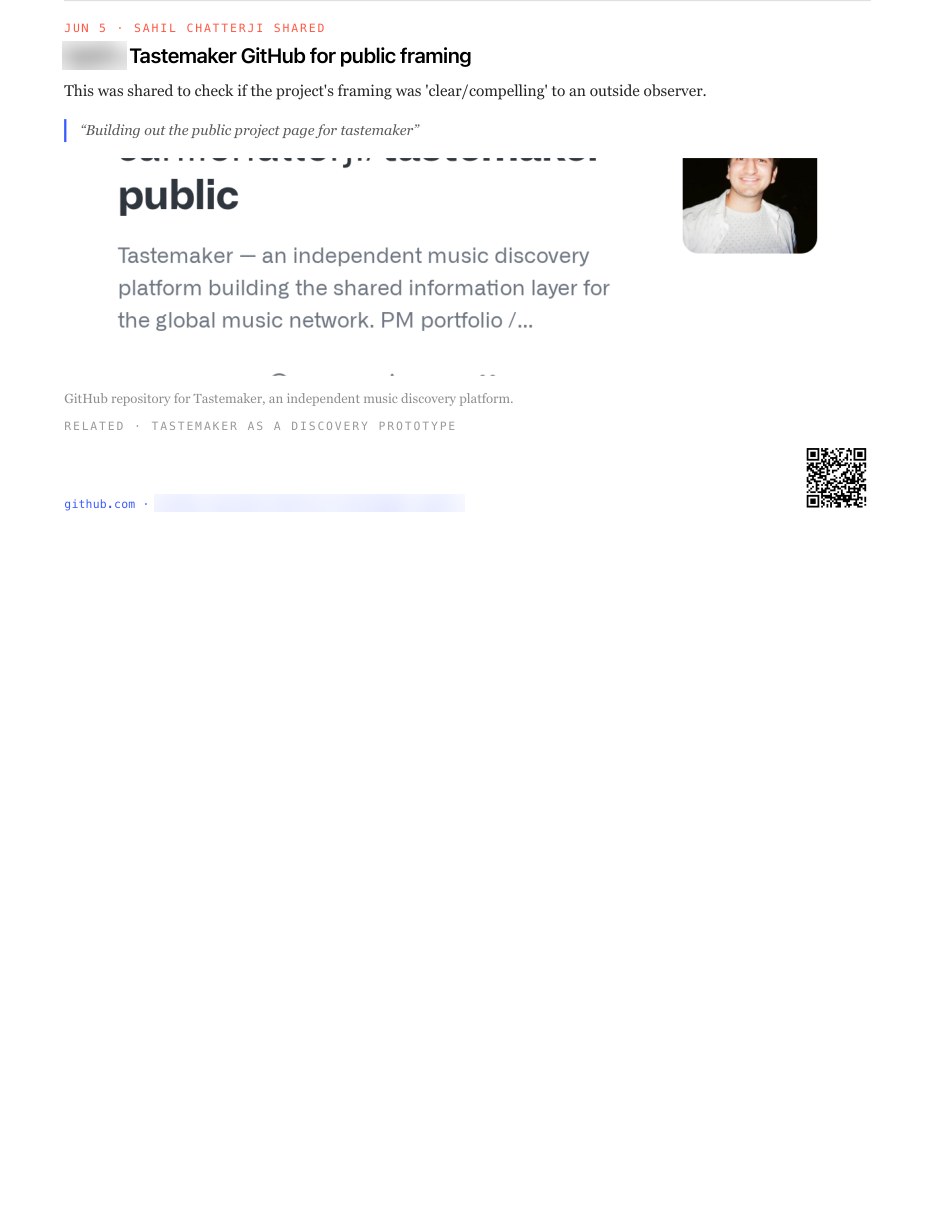
A read-it-later app for the links people send you
Everything worth reading that arrived in a text message, in one place — with who sent it and what you were talking about at the time.
Sanctuary is a Mac app. It builds your reading list out of your own Messages history, so you do not have to have saved anything to get one.
No card for the trial. Then $29 a month or $275 a year, cancel anytime · see pricing. For Mac. Everything stays on your computer.
Also:


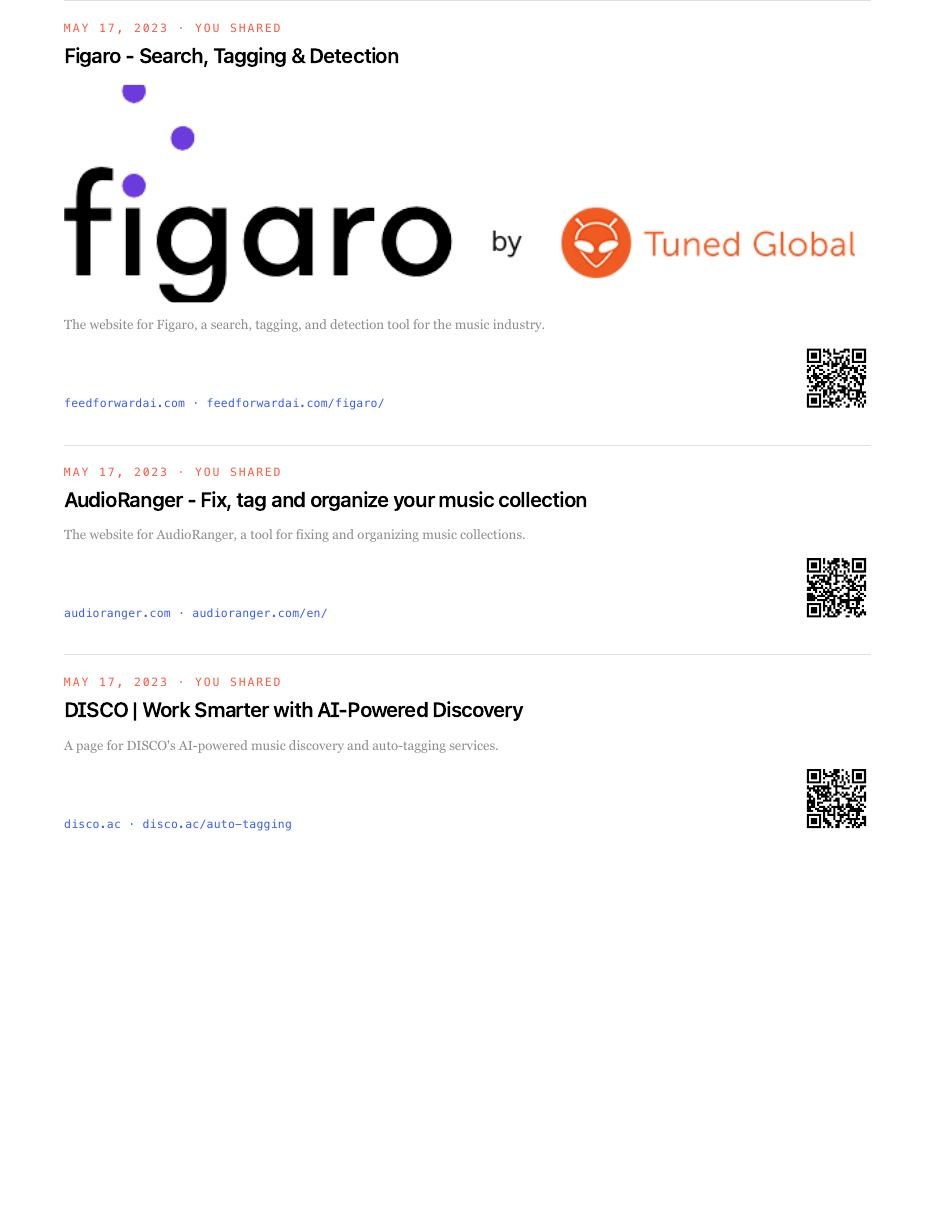
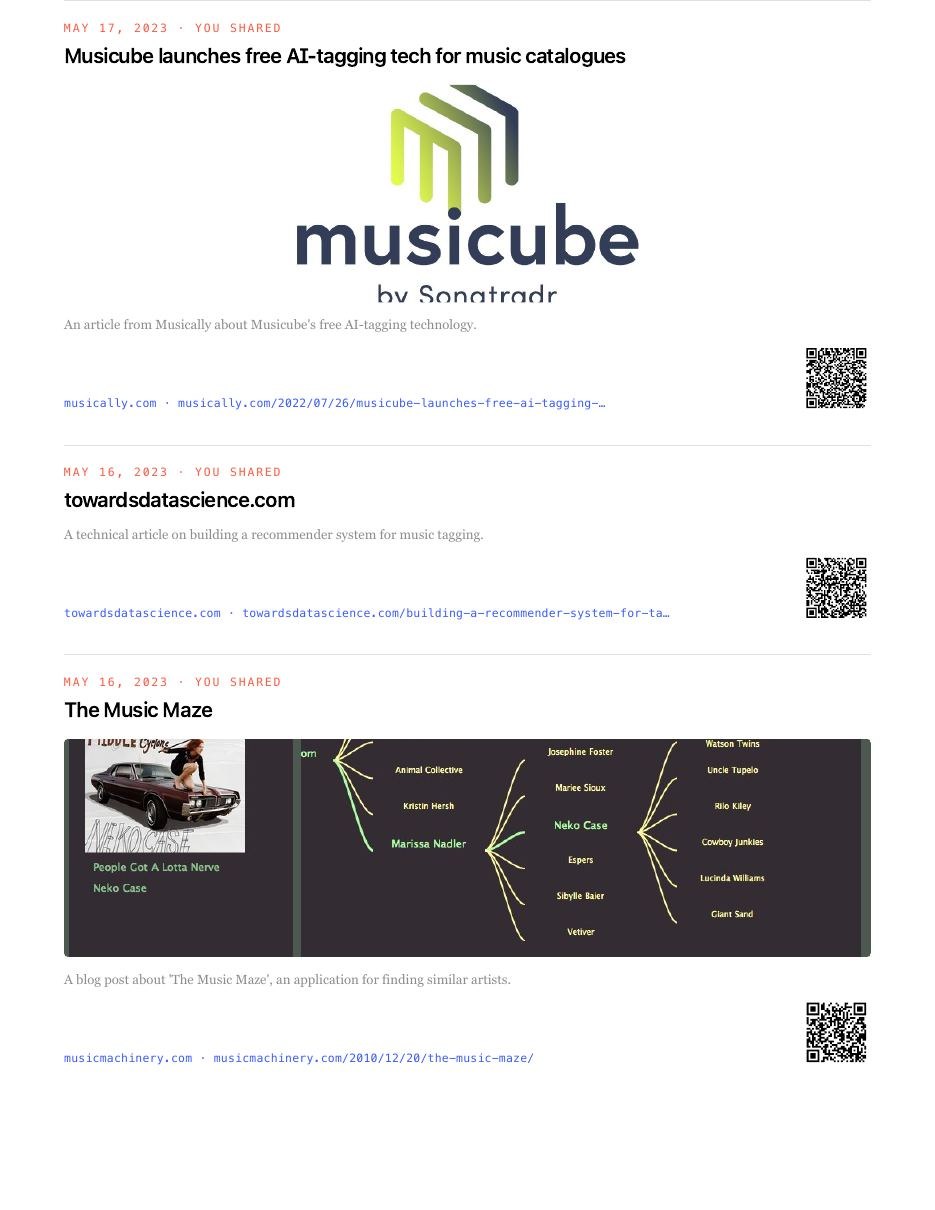
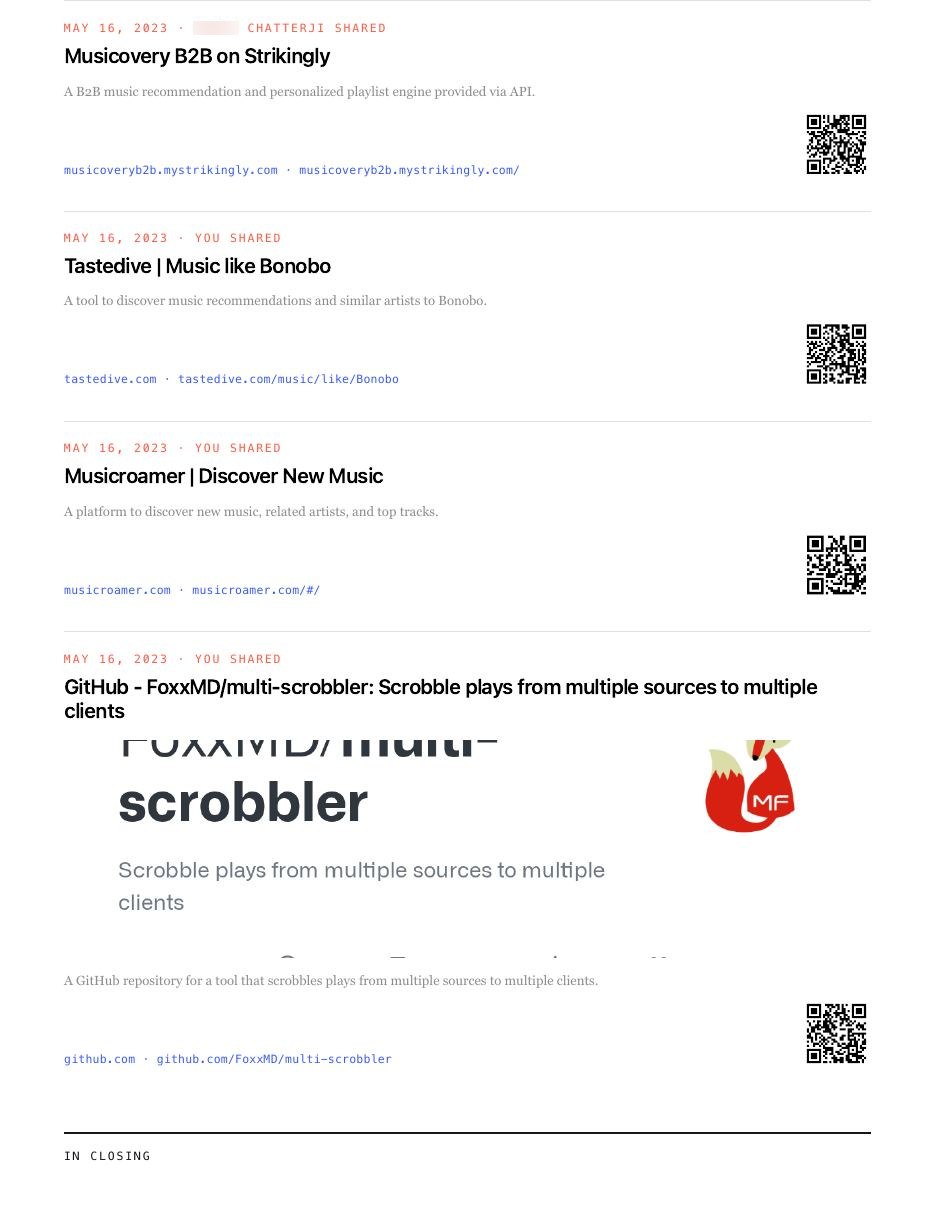
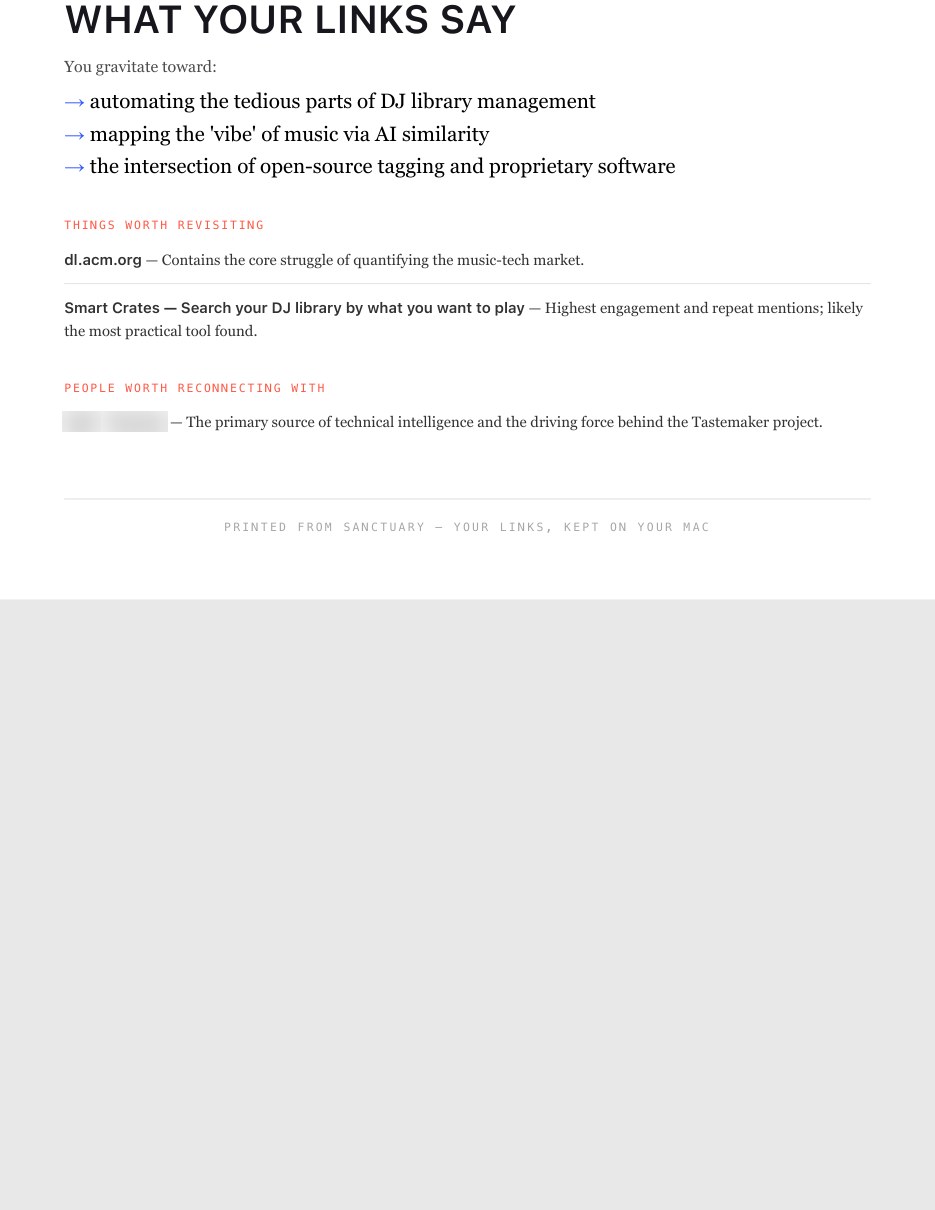
The saving step is where most reading lists break
A read-it-later app only holds what you remembered to put in it. But most of the good things you meant to read never arrive as something you saved — they arrive as a message from a friend, in the middle of a conversation, while you were doing something else. By the time you have a free evening, the link is a thousand messages back.
Sanctuary starts from what people already sent you
It reads the Messages history already on your Mac and pulls out every link anyone ever sent you or you sent them. Nothing to save, nothing to tag, no browser extension to remember. The list is already years long the first time you open it.
Each link keeps the conversation it came from
A plain reading list gives you a headline and a date. Sanctuary keeps who sent it, which conversation it was in, and the few messages either side — so "that restaurant my sister mentioned before the trip" is a thing you can actually search for, even when you cannot remember the name.
Read it later, in something that reads like a magazine
You can flip through what piled up as a digest: an issue built from a person, a topic, or a week, with what stood out and who sent it. It is a nicer way to catch up than scrolling a list of blue links you saved months ago.
Sorted for you, not by you
Each link gets a title, a short summary and a topic on its own — recipes, apartments, jobs, articles, places. Topics appear as your library fills, so the reading list is browsable on the first day without a folder structure you had to invent.
It stays on your computer
Your messages are read on your Mac and never uploaded. There is no account and no sync. If you turn on the optional AI features, only a link, its site and a short excerpt ever leave your machine — and only with a key you provide.
How the reading list builds itself
- Step 1
Install on your Mac
Download the app and give it permission to read the Messages database already sitting on your disk. Nothing is copied anywhere else.
- Step 2
Your reading list appears
Every link ever texted to you or by you is pulled out, deduplicated, and dated — usually thousands of them on the first run.
- Step 3
Titles and topics fill in
Each link gets a real title, a short summary and a topic, so the pile becomes browsable instead of a wall of URLs.
- Step 4
Search it or read a digest
Ask in plain language, or let Sanctuary bundle what piled up into a magazine-style issue you can actually sit down with.
Sanctuary vs a traditional read-it-later app
| Sanctuary | Pocket, Instapaper, Matter | |
|---|---|---|
| Getting links in | Already there — read from Messages | You save each one by hand |
| What you have on day one | Years of links | An empty list |
| Who sent it | ||
| The conversation around it | ||
| Search | Plain language, by person, topic or time | Keyword and tags you applied |
| Where your data lives | Your Mac | The vendor's cloud |
| Account required | None | Sign-up and sync |
| Catch-up format | Digest issues by person, topic or week | A reverse-chronological list |
Comparison reflects how these tools are designed to be used, not a feature-by-feature audit.
Who it's for
- People whose friends send far more good links than they can read
- Anyone with a graveyard of open tabs and an unread Pocket queue
- Group-chat readers who lose restaurant and travel recommendations in the scroll
- Researchers and writers who want the context a link arrived with, not just the URL
Common questions
What is a read-it-later app?
A place to park articles, videos and pages you want to come back to when you have time, instead of leaving thirty tabs open. Pocket, Instapaper and Matter are the familiar ones.
How is this different from Pocket or Instapaper?
Those start empty and fill up only with what you deliberately save. Sanctuary starts full, because it reads the links already in your Messages history — and it keeps who sent each one and what you were discussing at the time.
Do I still have to save things?
No. Anything texted to you is captured automatically. You can still favourite, archive or file links into projects, but nothing breaks if you never do.
Does it read my messages?
It reads the Messages database on your own Mac, on your machine only. Nothing is uploaded, there is no account, and the app works with your wifi off.
What about links from email, Instagram or my browser?
Apple Mail and your browser history can be included, and an Instagram saved-posts export can be imported as a one-time snapshot. All of it is optional and off until you switch it on.
What do I need to run it?
An Apple Silicon Mac. It is free for 14 days with no card, then $29 a month or $275 a year.